Cancel Links
Published Aug 12, 2026
Customer DETAILS - Account - Cancellation Link
What is a Cancellation Link?
A Cancellation Link is a link that provides retention to a customer before finally cancelling. The link will provide the customer with add-ons and discounts to try and save them. If the customer wishes to cancel, they will decline the retention offers and complete their cancellation.
If a customer requests to cancel their subscription on either Chat or Ticket, a Cancellation Link needs to be generated and sent to the customer.
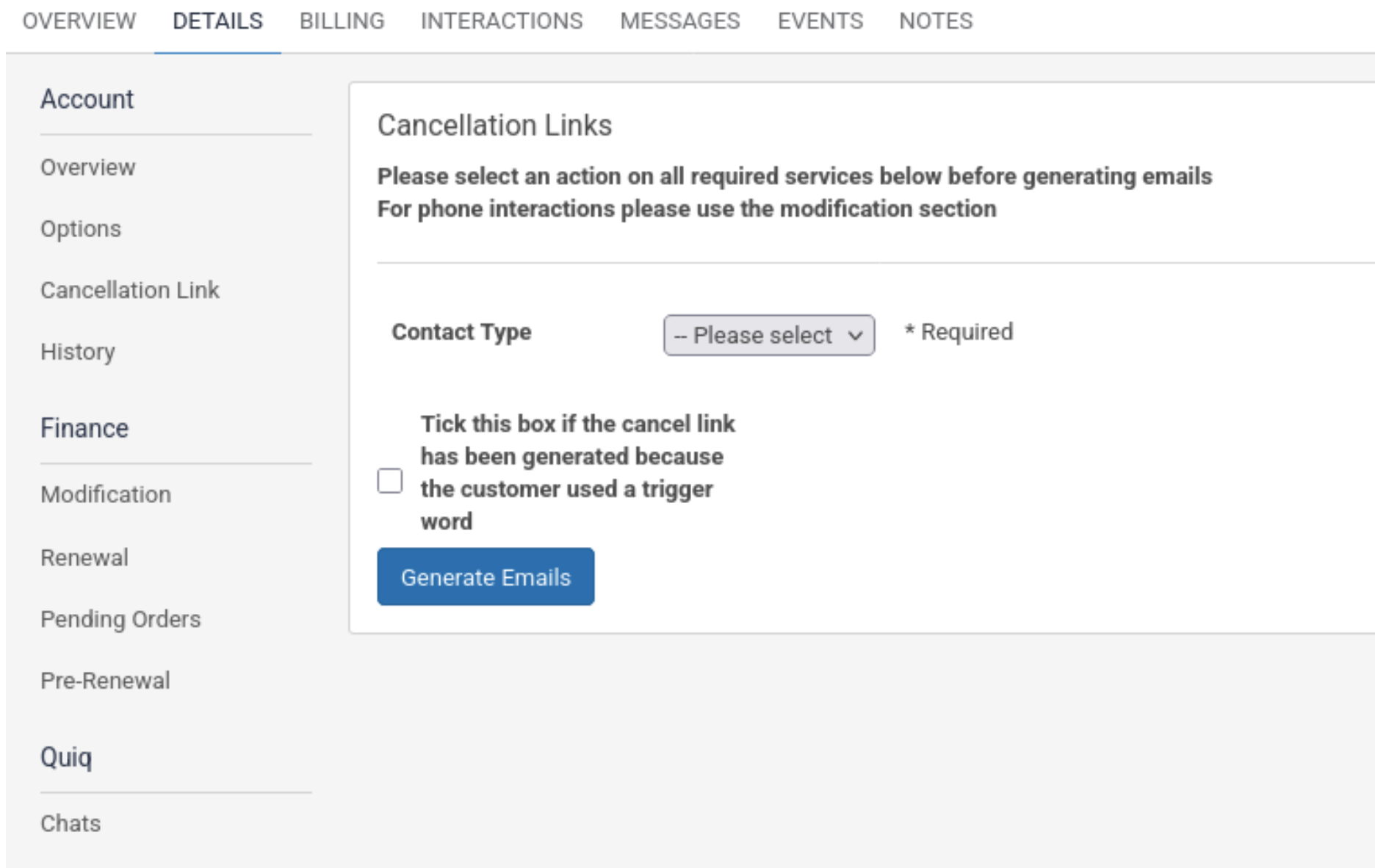
How to generate a Cancellation Link
To generate a Cancellation Link, click on the Details Tab and then click on Cancellation Link on the left-hand side. Select the services the customer wishes to cancel by selecting the refund option in the dropdown next to the service. Click ‘Generate Emails’ when you have selected the services to cancel.
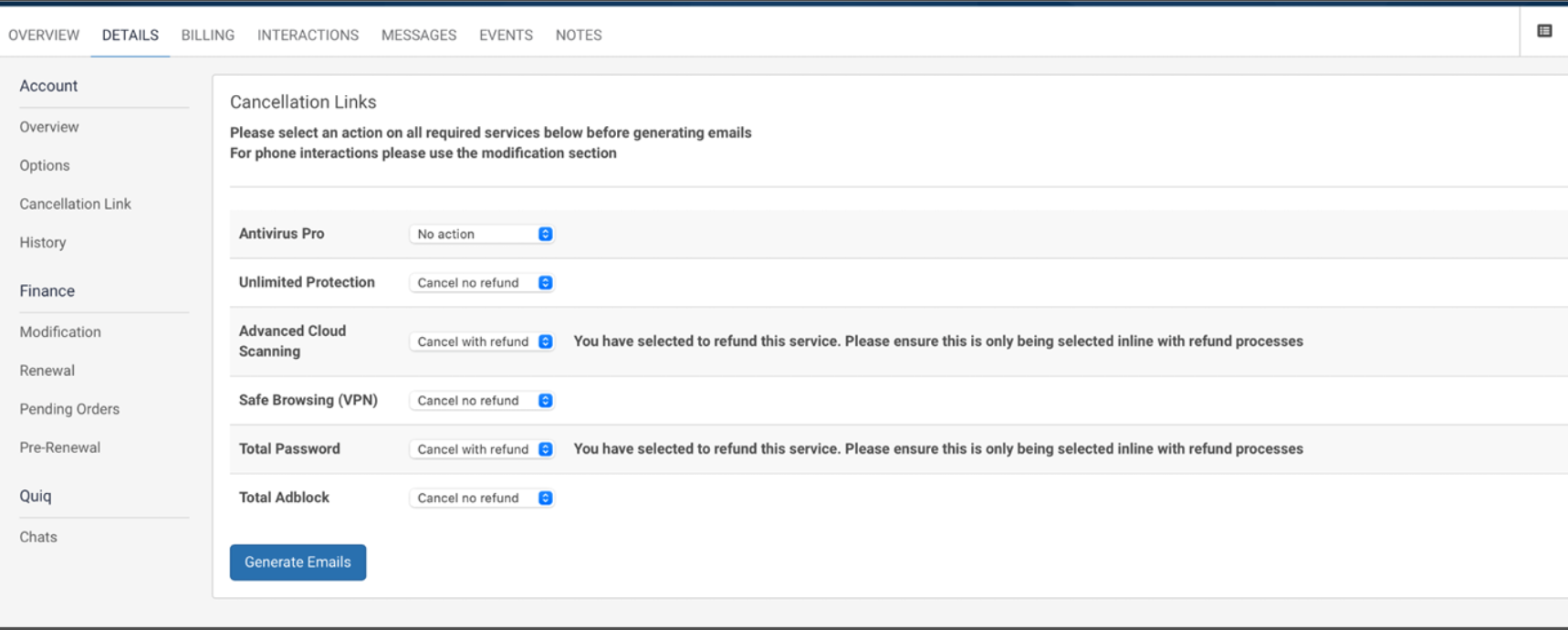
You can see in the Account Notes when the cancel link was sent to the customer. If the customer wants the link to be resent to them, you can share the link from the account note.

Back